
EgretWing链接微信开发工具调试问题
EgretWing 编译器支持持三种调试模式,Node.js 、Chrome 、EgretWing 扩展开发。
开发过程中会遇到工具配置错误。
这就需要在EgretWing中的配置文件launch.json重新配置工具路径。
-
创建Egret项目debugTest [Egret 2D 项目向导]

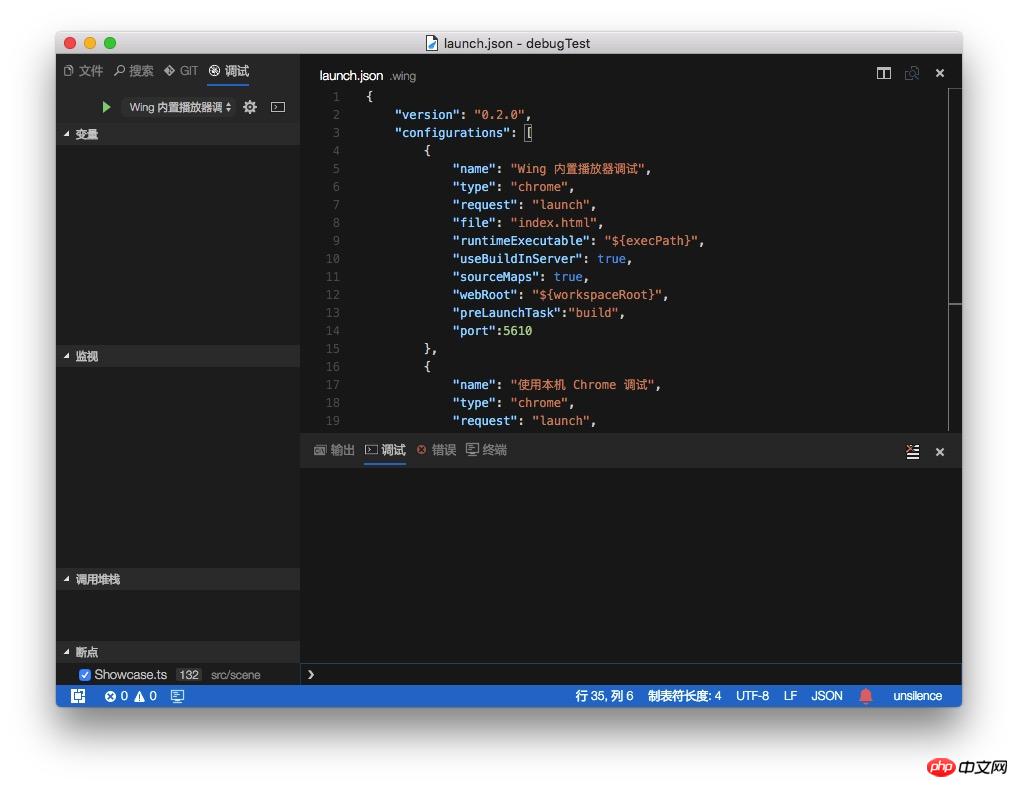
创建项目完成,在.wing文件夹下launch.json配置debug信息。
如上图:
{
    "version": "0.2.0",
    "configurations": [
        {
            "name": "Wing 内置播放器调试",
            "type": "chrome",
            "request": "launch",
            "file": "index.html",
            "runtimeExecutable": "${execPath}",
            "useBuildInServer": true,
            "sourceMaps": true,
            "webRoot": "${workspaceRoot}",
            "preLaunchTask":"build",
            "port":5610
        },
        {
            "name": "使用本机 Chrome 调试",
            "type": "chrome",
            "request": "launch",
            "file": "index.html",
            "runtimeExecutable": "/Applications/Google Chrome.app/Contents/MacOS/Google Chrome",
            "useBuildInServer": true,
            "sourceMaps": true,
            "webRoot": "${workspaceRoot}",
            "preLaunchTask":"build",
            "port":5610
        },
        {
            "name": "附加到 Chrome 进程",
            "type": "chrome",
            "request": "attach",
            "port": 9222,
            "webRoot": "${workspaceRoot}"
        }
    ]}
登录后复制
点击调试如下图:
-
launch.json 介绍
-
name 配置名称; 显示在启动配置的下拉列表。Wing 内置播放器调试 、使用本机 Chrome 调试、附加到 Chrome 进程。
-
type EgretWing配置类型,chrome、node、extensionHost。
-
request 配置的Request类型。 有效值为 “launch” 或者 “attach”。
-
file debug 入口文件,在浏览器打开的html文件。
-
runtimeExecutable 可执行文件的绝对路径。默认值是 PATH 上的运行时可执行文件。改成您的 Chrome 安装路径 例如 C:Program Files (x86)GoogleChromeApplicationchrome.exe 或 /Applications/Google Chrome.app/Contents/MacOS/Google Chrome。
-
useBuildInServer 当为true, EgretWing 将启动一个内建的web server。
-
sourceMaps 是否使用 JavaScript 源映射(如果存在)。
-
webRoot Web服务的根目录。
-
preLaunchTask 执行任务之前运行的任务。
-
port web服务器指定的端口号。
-
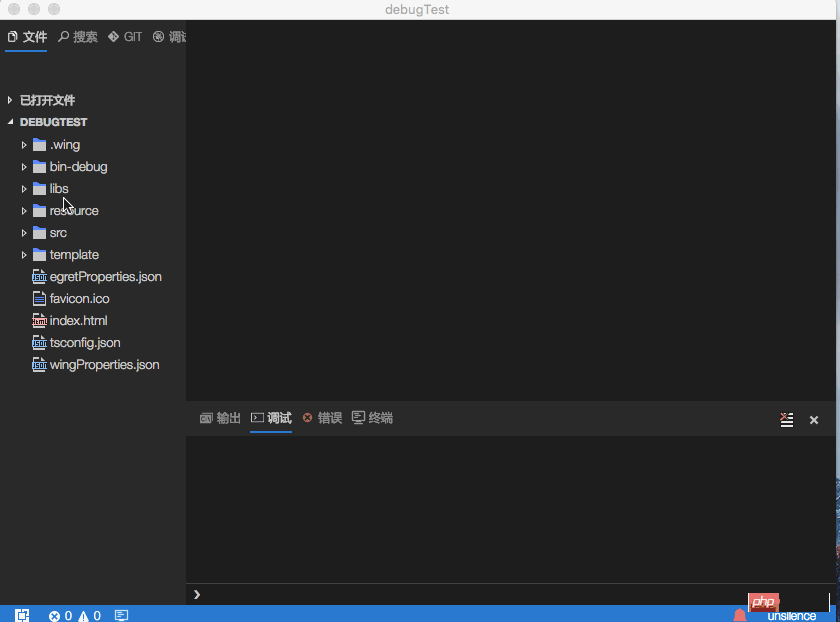
操作演示如下:
以上就是详解EgretWing链接微信开发工具调试问题的详细内容,更多请关注米云其它相关文章!
